
- Executors
-
Learn
Learn Python Runnable examples, NumPy, pandas, and more Learn AI / Machine LearningNeural networks, ML and LLMs from scratch Learn C & C++ Pointers, memory, STL, and modern C++ Learn C#C# basics, OOP, LINQ, async, and .NET exercises Learn MatplotlibLine, bar, scatter and pie charts with live visualizers Learn RustOwnership, traits, error handling, and threads Learn GoSlices, interfaces, goroutines, and channels Python Algorithms Search, sorting, recursion, and visualizers O(n) C & C++ Algorithms Compare algorithms implemented in C and C++ Coding for Kids Learn to code by playing!
- QuizzesNew
- ChallengesNew
- For TeachersNew
- Updates
- Buy me a coffee





Updates Tagged with: PYTHON
Stay informed with the latest improvements, new tools, feature releases, and platform announcements from CodeUtility.
New: Coding for Kids, and you can now buy me a coffee
Children aged 5 to 13 can learn to code by playing: Bunny Garden, Robot Island with blocks and Turtle Art with real Python. And if CodeUtility helps you, you can now buy me a coffee.
Today we are launching Coding for Kids: coding games for children aged 5 to 13, right in the browser, with no ads and nothing to install.
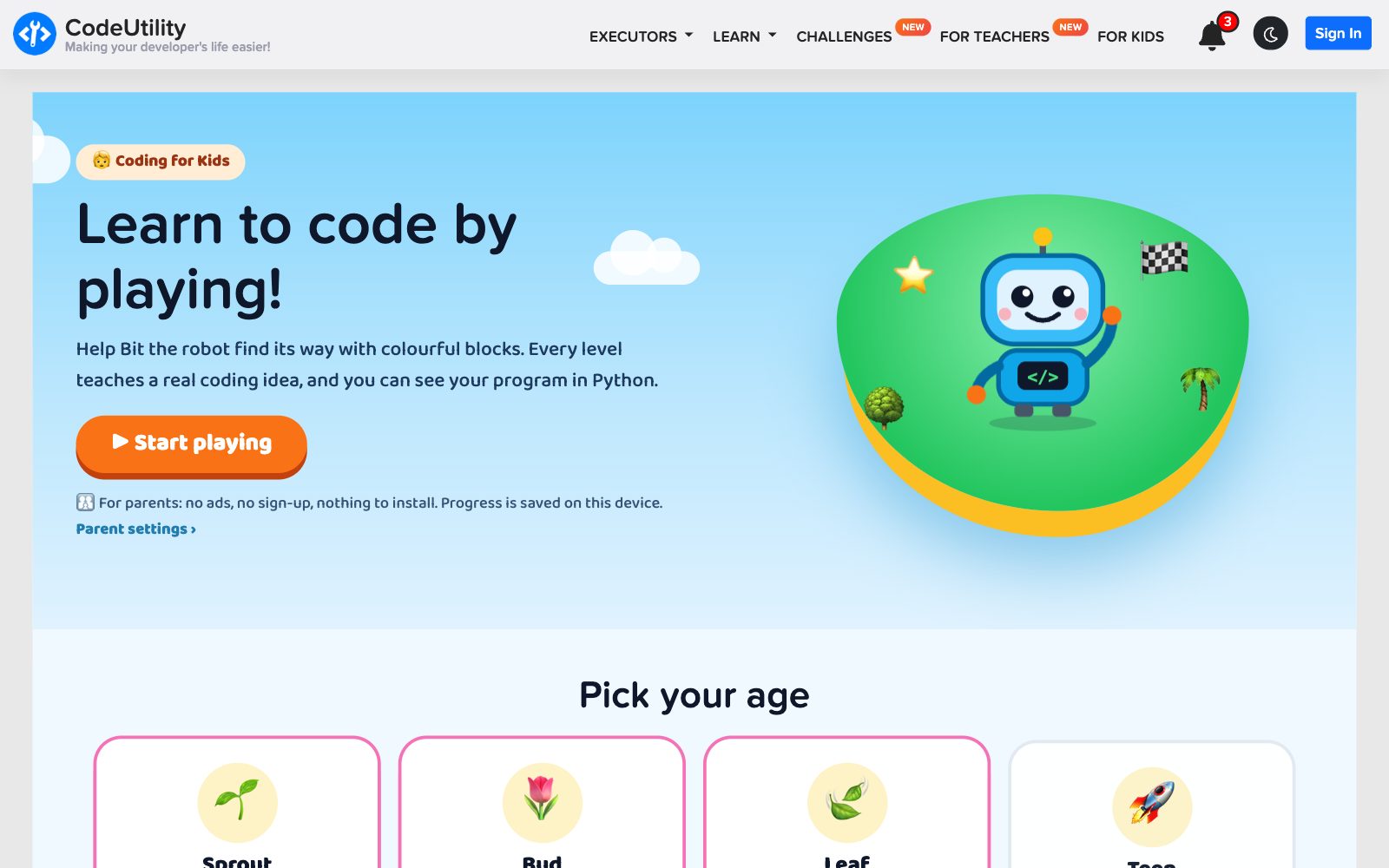
Three worlds, one for each age: in Bunny Garden (5-7) children tap arrows to guide a bunny, with a voice that reads along. On Robot Island (8-10) they drag colourful blocks and see the same program in Python. In Turtle Art (11-13) they type real Python to draw pictures.
For parents: a free parent account gives each child their own stars, a daily time limit that works on every device and settings behind a PIN. The first levels of every world are free; the Family plan opens all 47 levels and adds certificates and a weekly report.
For teachers: give For Kids levels to your class and follow every student's stars on the class page.
Start playing at codeutility.io/kids.
Buy me a coffee: CodeUtility is built by one developer and stays free for everyone. Your code runs on real servers day and night, and every AI answer costs money. If CodeUtility has helped you, you can now buy me a coffee: it helps pay for all this, and you get 3 months without ads whenever you are signed in.
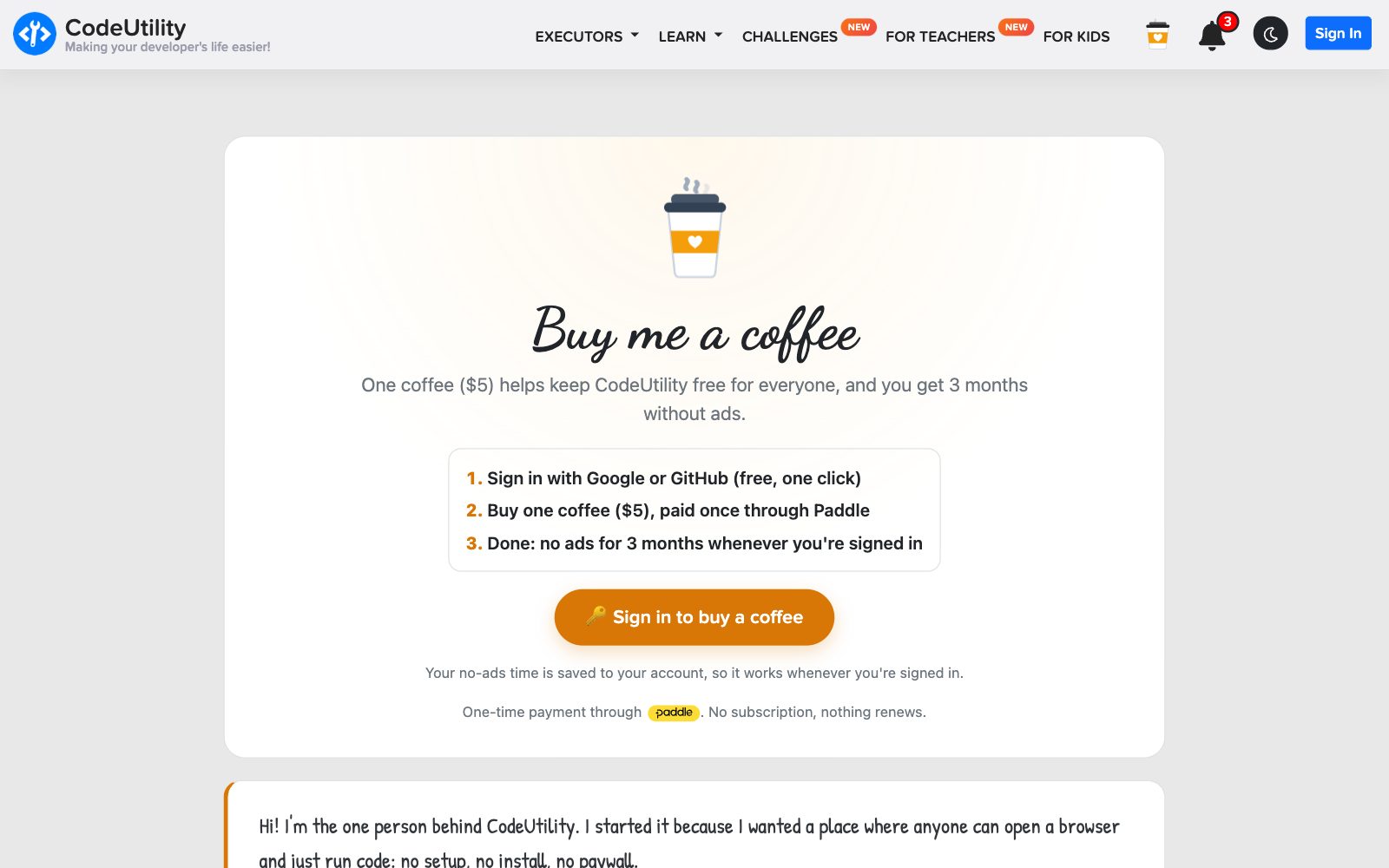
Thank you! Buy me a coffee.
New: Code Cards - greeting cards that run Python
Make a greeting card that is a small Python program: pick an occasion and a card, write your message and send the link. Free, nothing to install.
Today we are launching Code Cards: greeting cards where every card is a small Python program that draws itself in a terminal, right in the browser.
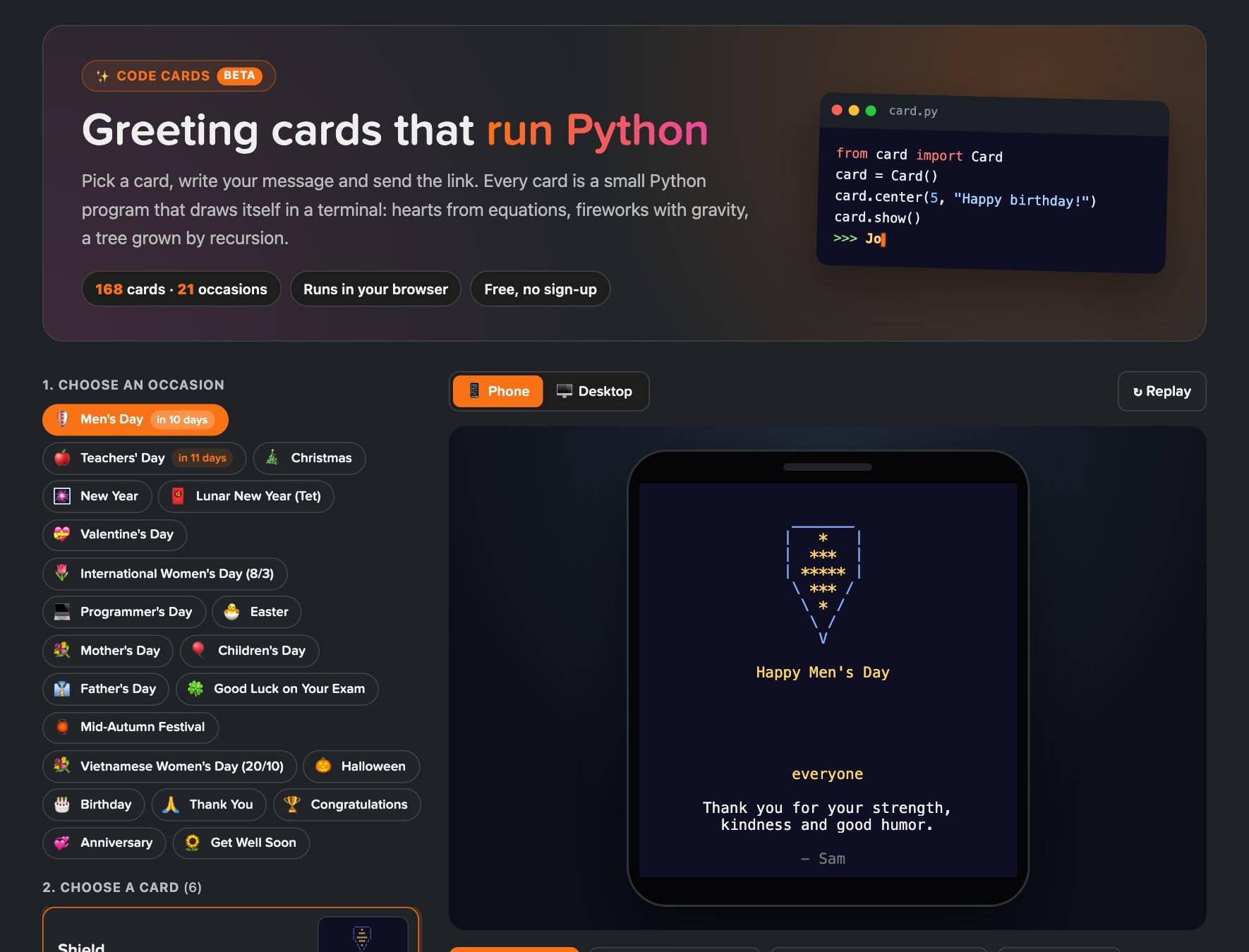
25 occasions, more than 190 cards: birthdays, Christmas, New Year, Lunar New Year, Valentine's Day, Women's Day, Teachers' Day, Halloween, Diwali, Programmer's Day and more - hearts drawn from equations, fireworks with gravity, trees grown by recursion and a git log of your year.
Made for where you live: the occasions coming up in your country are shown first, and every card works in 12 languages.
Send it your way: copy the link, share it on social networks or send it by email. Your friends open the link and watch the card play, no account needed.
See the code: every card shows its Python code under the preview. Change it, run it again, or open it in the Python editor to learn how it works.
Make your first card at codeutility.io/cards. Thank you for using CodeUtility!