
- Executors
-
Learn
Learn Python Runnable examples, NumPy, pandas, and more Learn AI / Machine LearningNeural networks, ML and LLMs from scratch Learn C & C++ Pointers, memory, STL, and modern C++ Learn C#C# basics, OOP, LINQ, async, and .NET exercises Learn MatplotlibLine, bar, scatter and pie charts with live visualizers Learn RustOwnership, traits, error handling, and threads Learn GoSlices, interfaces, goroutines, and channels Python Algorithms Search, sorting, recursion, and visualizers O(n) C & C++ Algorithms Compare algorithms implemented in C and C++ Coding for Kids Learn to code by playing! AP CSPPseudocode runner, practice test and score calculator
- QuizzesNew
- ChallengesNew
- For TeachersNew
- Updates
- Buy me a coffee





Updates Tagged with: SIGN IN
Stay informed with the latest improvements, new tools, feature releases, and platform announcements from CodeUtility.
New: Sign in with Microsoft or with a code sent by email
Two new ways to sign in: your Microsoft account (personal, school or work) or a 6-digit code sent to your email. The email code is made for school labs and other shared computers.
You can now sign in to CodeUtility in two new ways: with your Microsoft account, or with a 6-digit code sent to your email. Google and GitHub work as before.
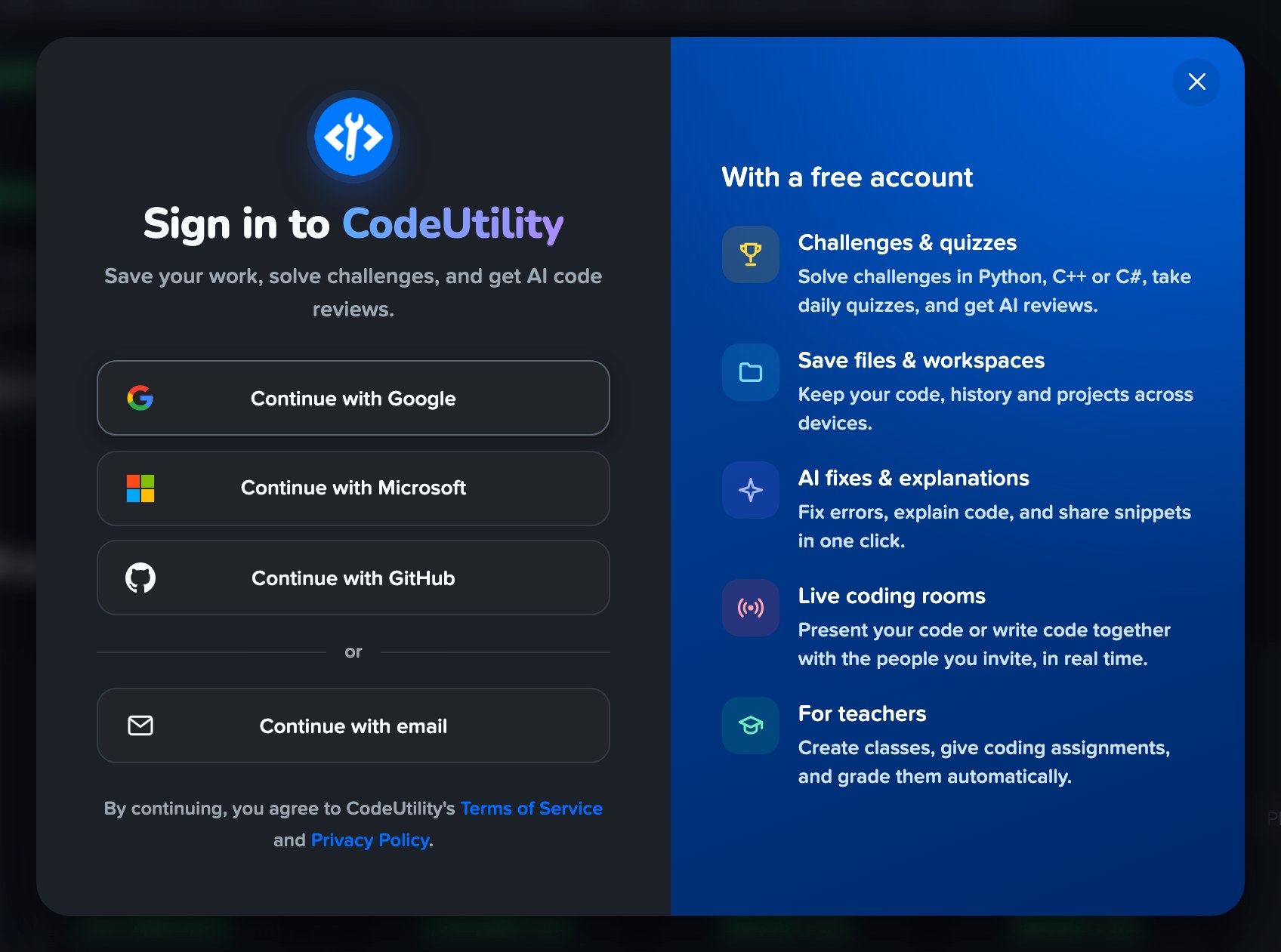
Sign in with Microsoft
- Personal, school or work accounts: Outlook and Hotmail accounts, and the Microsoft 365 accounts many schools give their students.
- You choose the account every time, so a shared computer never signs you in as the last person who used it.
- If you already have a CodeUtility account with the same email, you sign in to that account.
Sign in with an email code
Type your email and we send you a 6-digit code. Enter it and you are in. There is no password to remember, and nothing stays signed in to Google or GitHub in the browser.
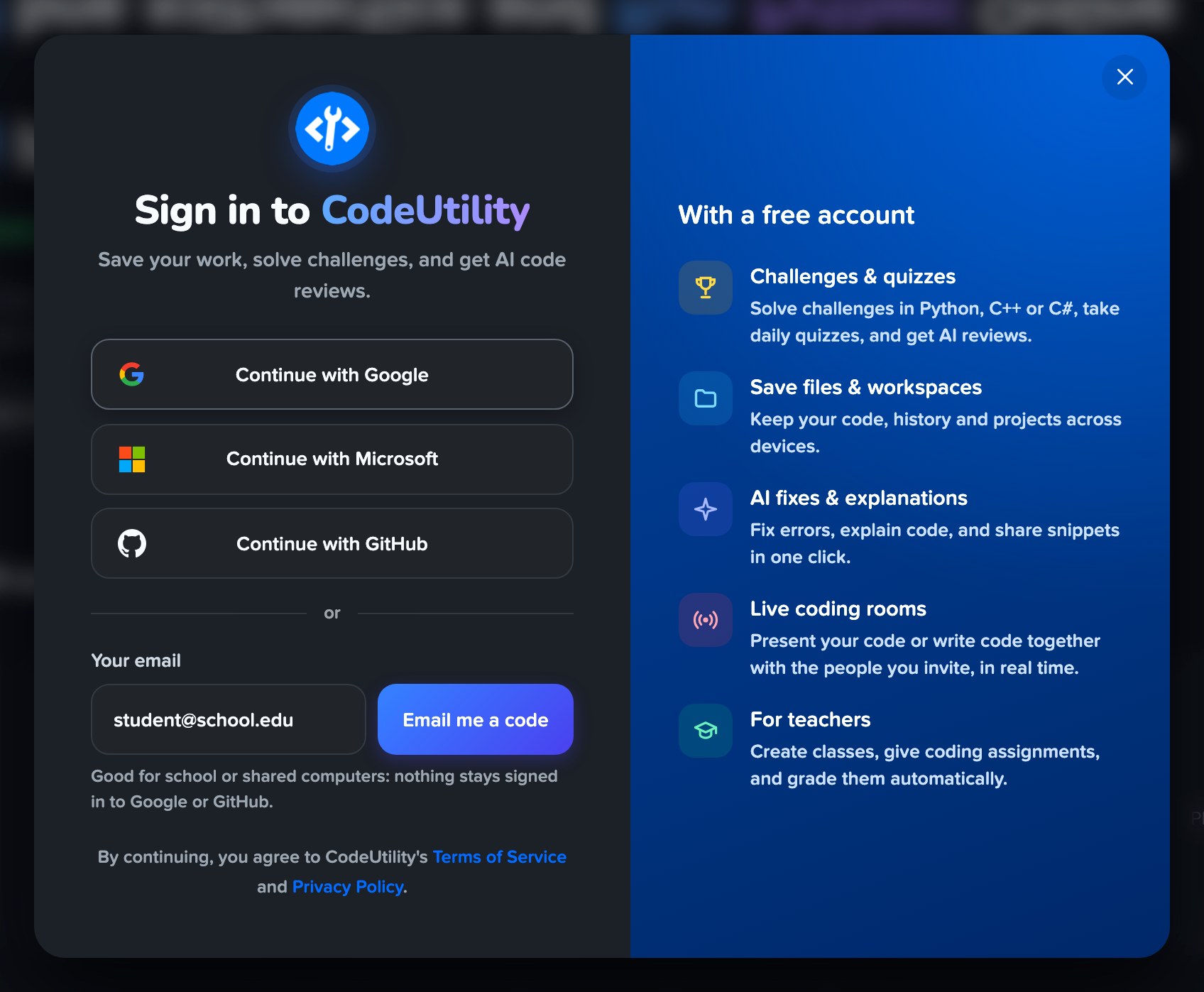
- The code works once, for 10 minutes.
- A new email gets a free account. An email that already has an account signs in to it.
- You can read the code on your phone and type it on the lab computer.
Made for school labs and shared computers
Many students code on school, lab or library computers. Signing in to Google there also signs you in to Gmail and Drive in that browser, and signing out of CodeUtility does not sign you out of Google. With the email code, nothing personal stays behind. And when you sign out after using Google, GitHub or Microsoft, CodeUtility now reminds you to sign out of that account too, with a link.
Also in this update
- Fewer failed sign-ins: we fixed a problem that sent some people back to the sign-in window after they had signed in with Google, GitHub or Yandex.
- The sign-in window now also shows challenges and quizzes, live coding rooms and tools for teachers.
Teachers: students without a Google account can now join your classes with a school Microsoft account or any email address.
Try it: click Sign in at the top of any page.